> ## Documentation Index
> Fetch the complete documentation index at: https://docs.parahelp.com/llms.txt
> Use this file to discover all available pages before exploring further.
# Assigning Issues in Pylon
> Route issues to Parahelp with Pylon triggers, like any teammate.
Parahelp is assigned issues like any teammate in Pylon.
Once assigned, Parahelp handles the issue until it is resolved and only escalates when its configuration outlines that it should or cannot resolve the issue.
You can automatically assign issues to Parahelp using [Pylon triggers](https://docs.usepylon.com/pylon-docs/platform/triggers).
## 1. Overview of your existing triggers
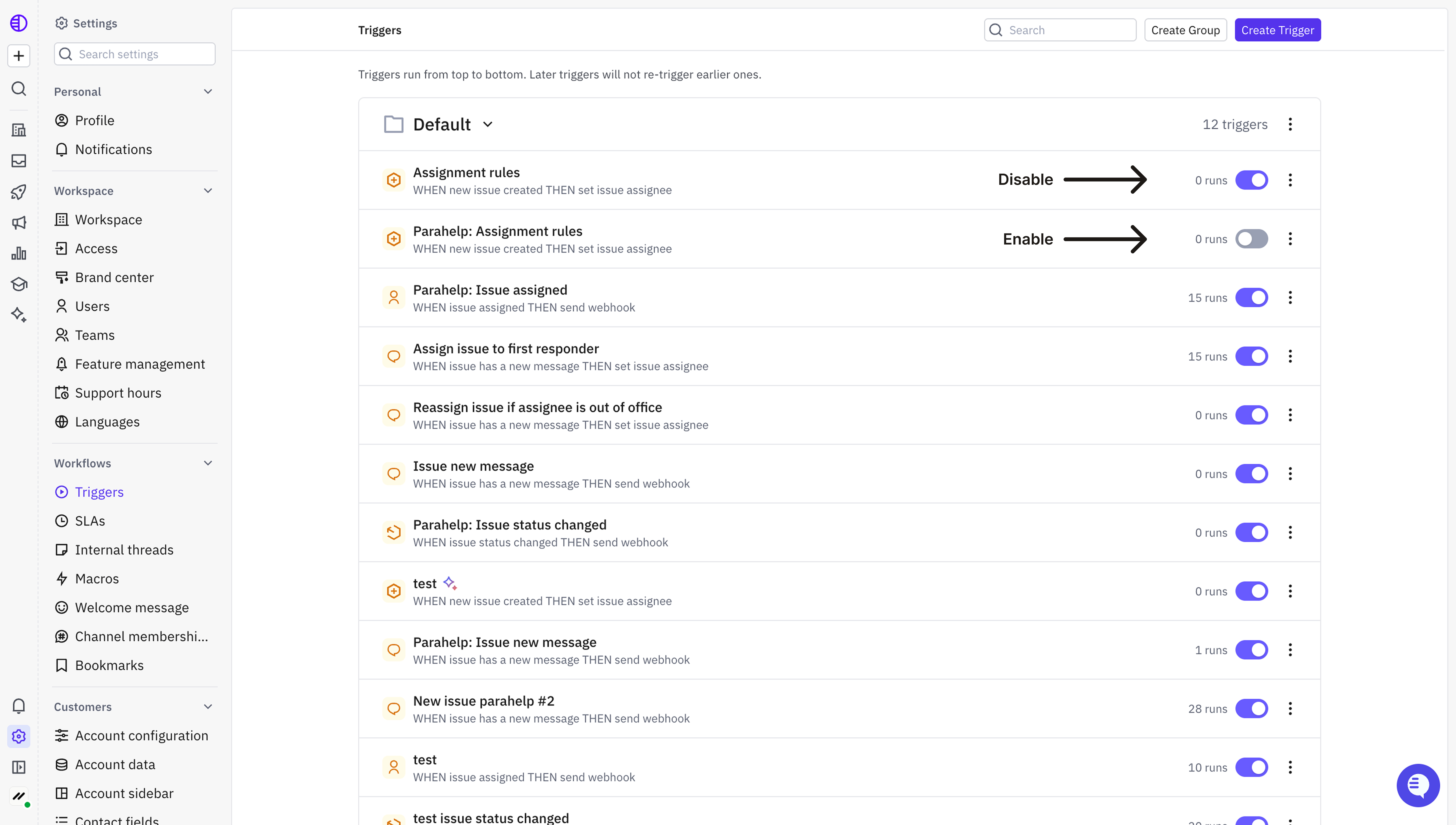
In Pylon, go to **Settings → Triggers**.
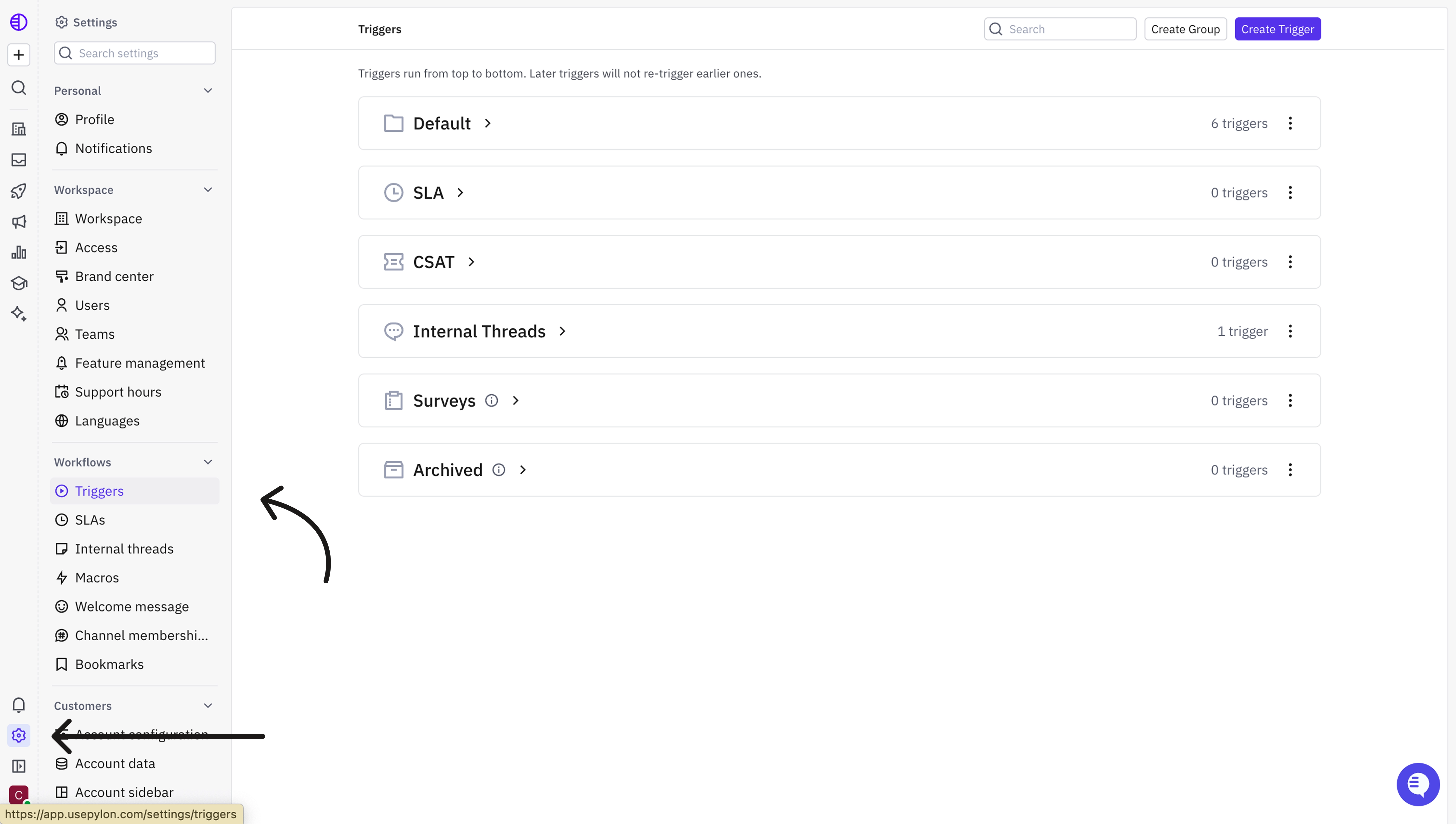 You can usually see this in the trigger that triggers on "New issue created".
## 2. Set up triggers to assign new issues to Parahelp
You can either create a completely new trigger (option A) or adapt your existing trigger (option B) to assign new issues to Parahelp.
### Option A: Create a new trigger
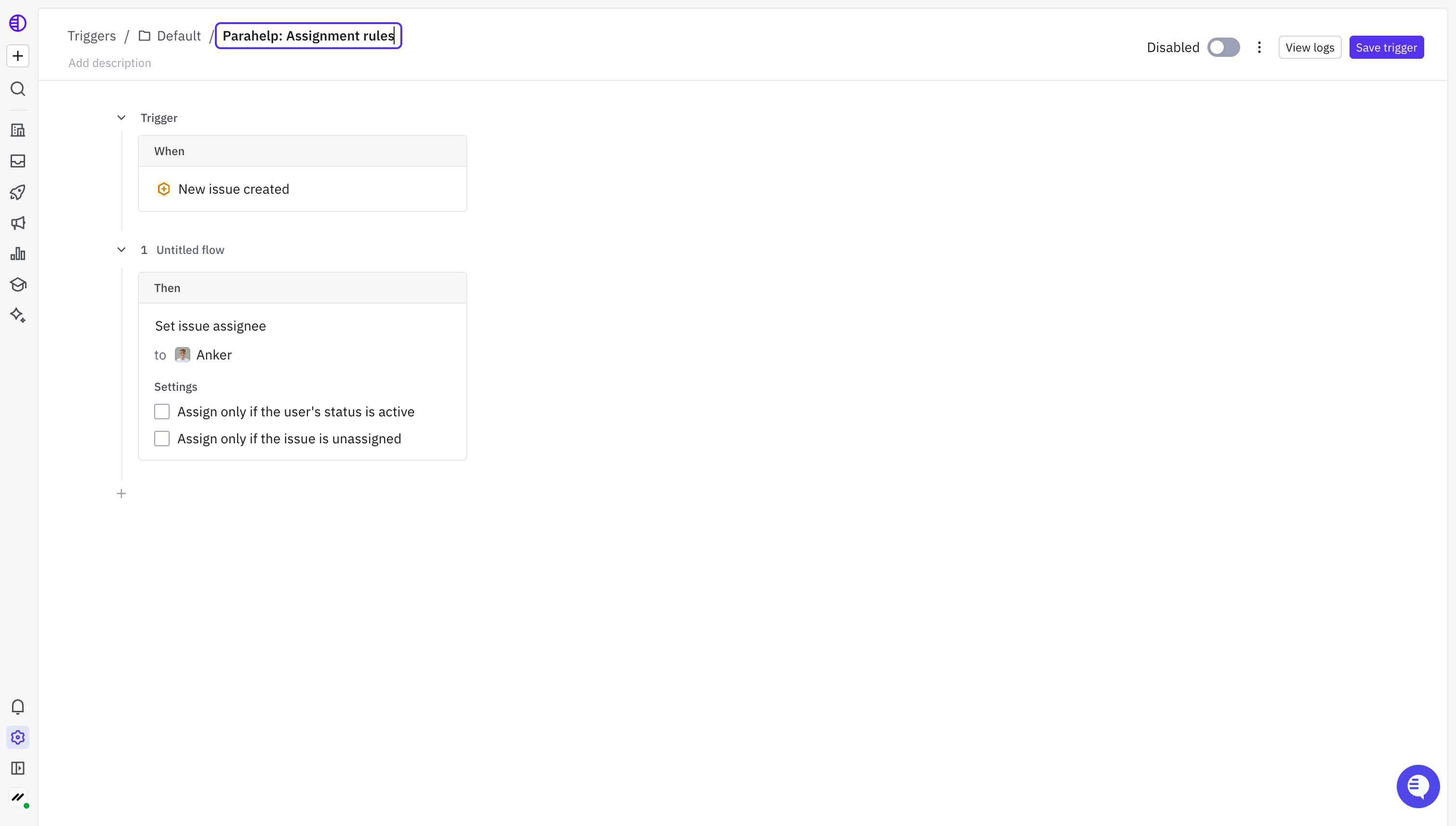
Create a new trigger called "Parahelp: Assignment rules".
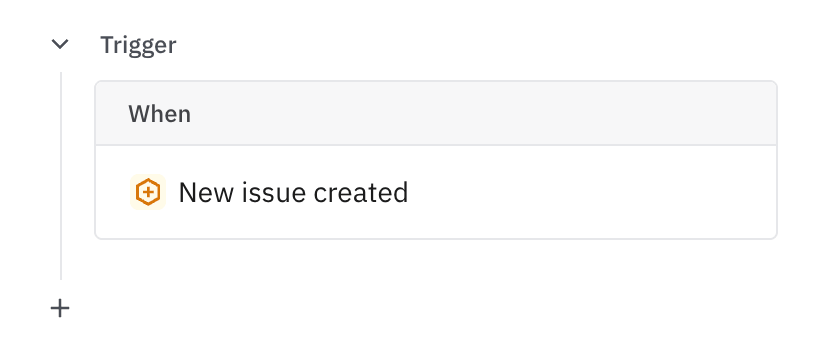
Pick when **"New issue created"**.
You can usually see this in the trigger that triggers on "New issue created".
## 2. Set up triggers to assign new issues to Parahelp
You can either create a completely new trigger (option A) or adapt your existing trigger (option B) to assign new issues to Parahelp.
### Option A: Create a new trigger
Create a new trigger called "Parahelp: Assignment rules".
Pick when **"New issue created"**.
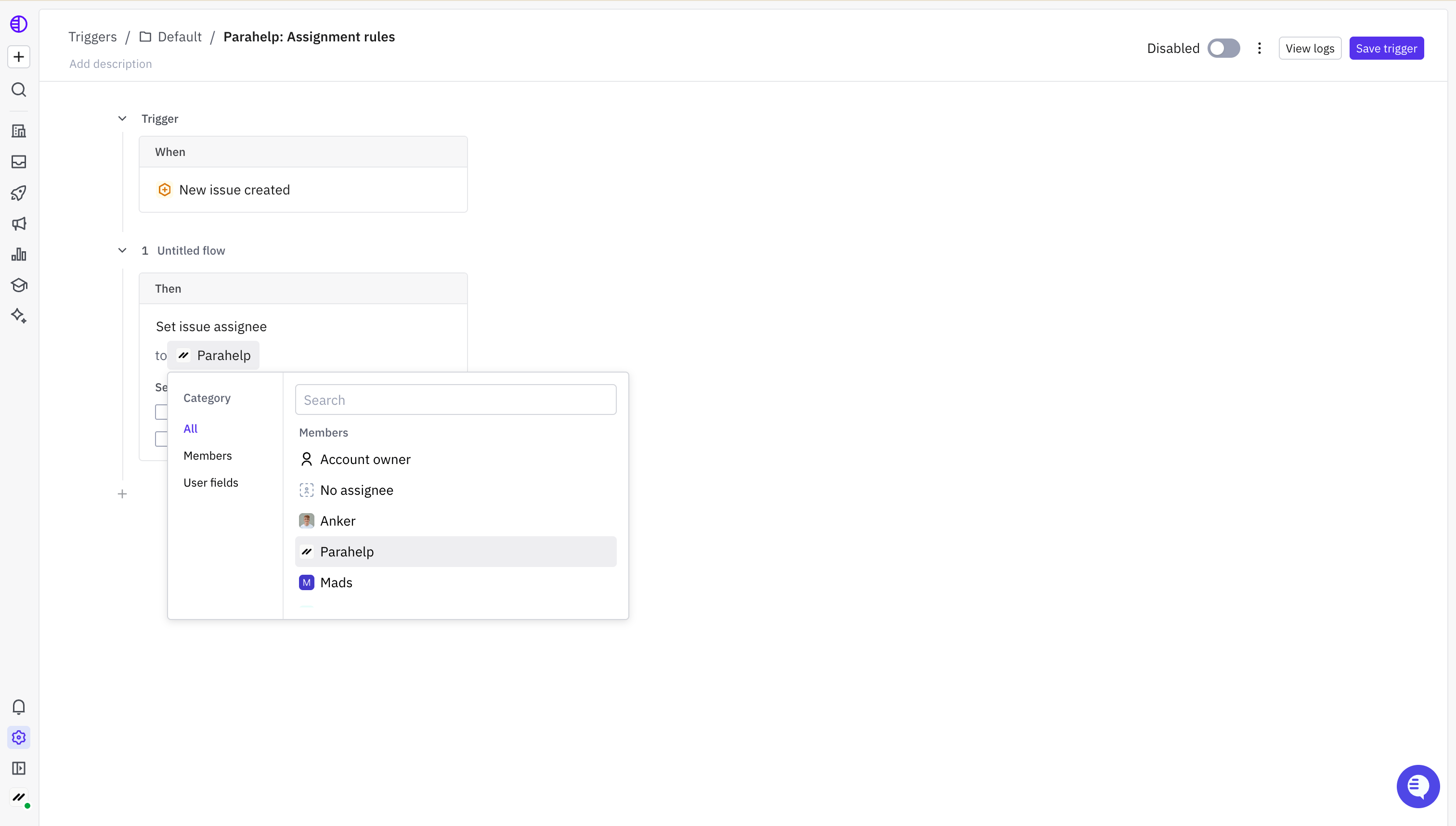
 Pick then **"Set issue assignee"** to **"Parahelp"**.
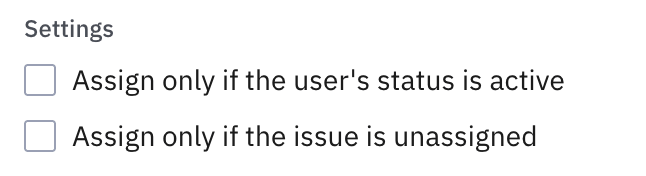
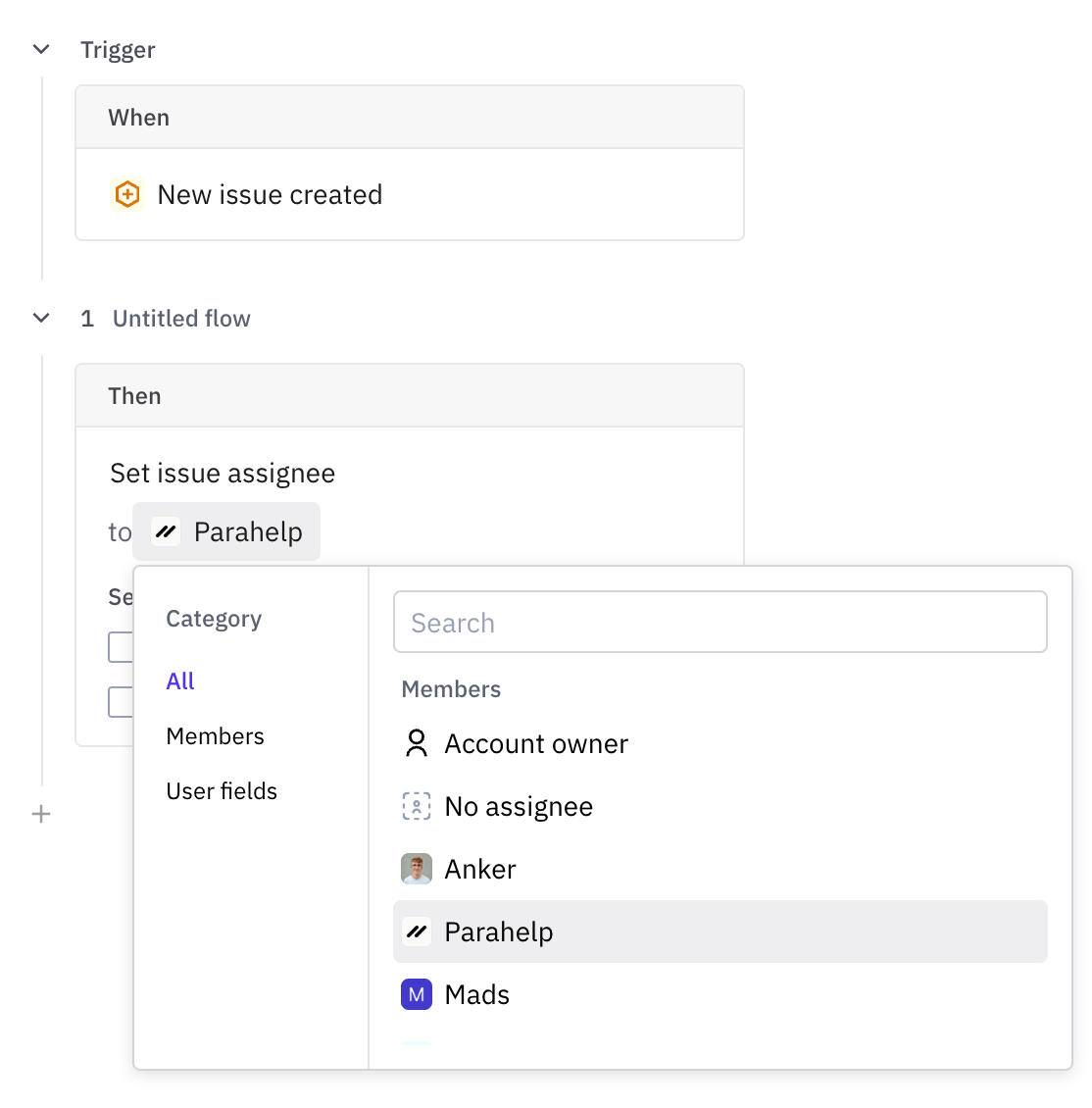 Ensure **none** of the settings are enabled.
 Make the "**Parahelp: Assignment rules**" trigger the first in your routing group.
### Option B: Adapting your existing trigger
Make the "**Parahelp: Assignment rules**" trigger the first in your routing group.
### Option B: Adapting your existing trigger
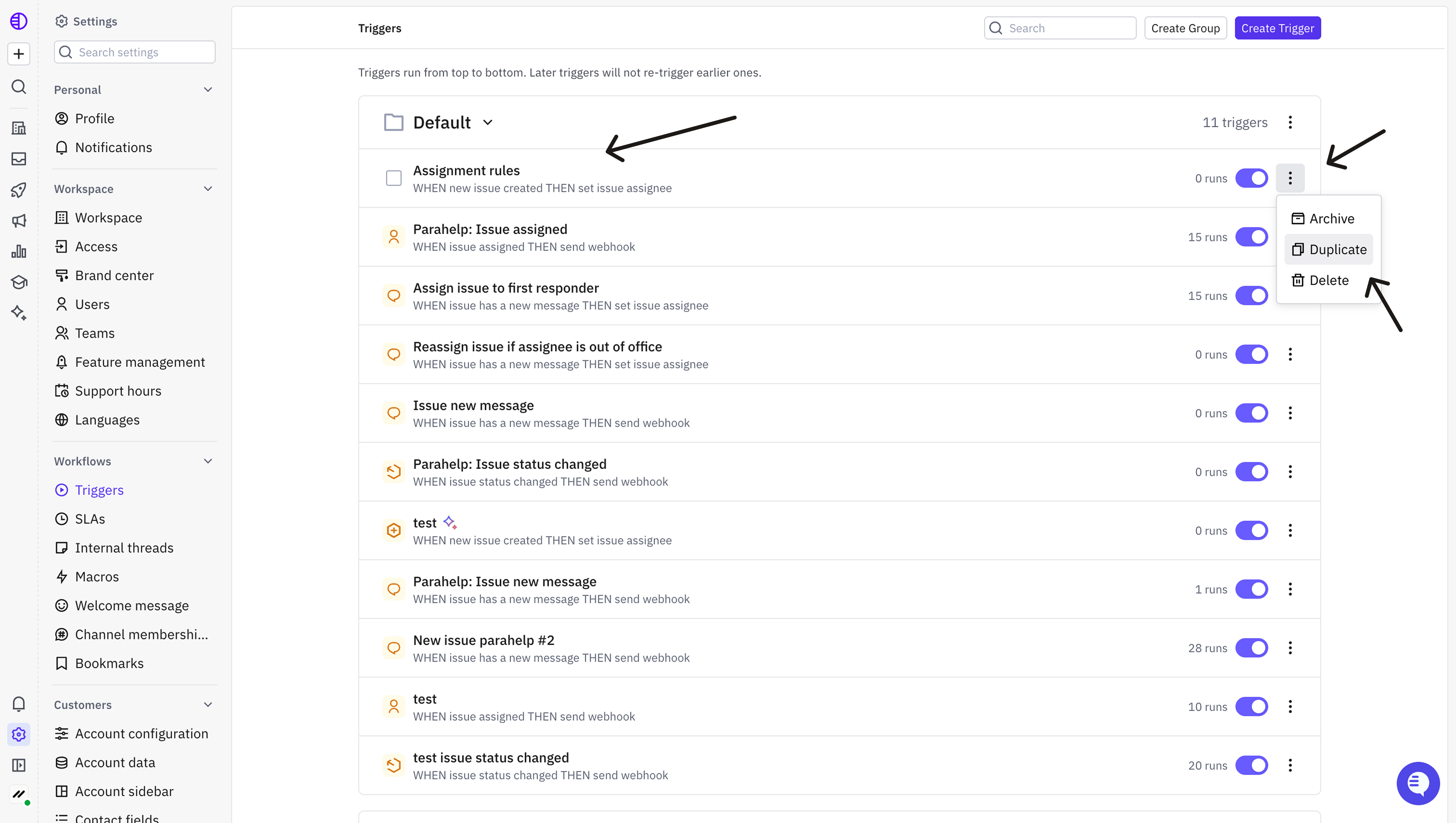 Rename the duplicate workflow to **Parahelp: \[Trigger name]**.
 Change the assignment step so it assigns to the Parahelp teammate instead of the existing team or teammate.
 When ready, disable the old trigger and enable the new Parahelp trigger.