

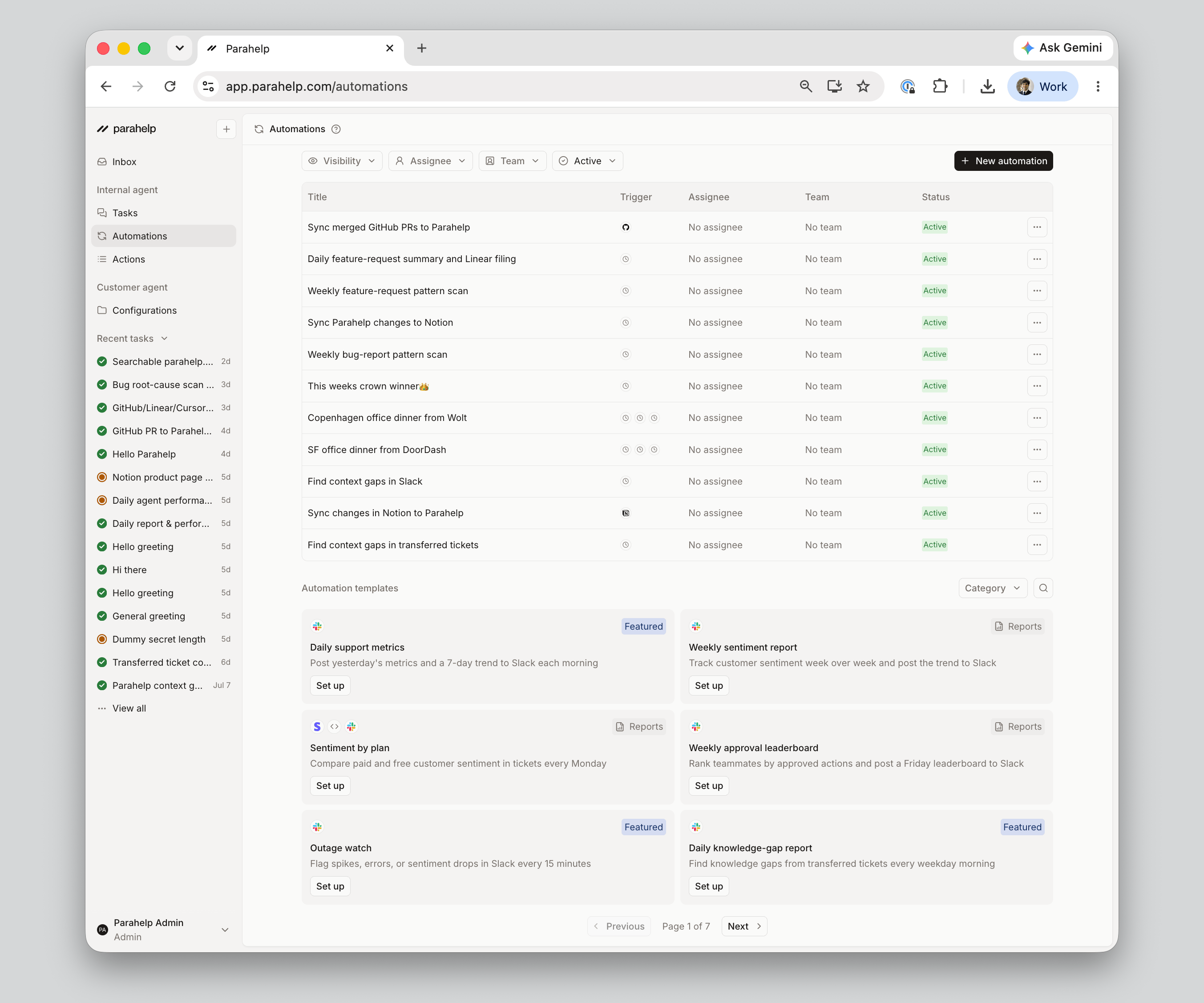
Trigger
An automation fires based on one of these trigger types:- Schedule: runs on a fixed cadence, such as every weekday at 9am. Good for recurring reports.
- Events:
- GitHub event: runs when an issue is created or a pull request is merged in a connected repo. Good for release-impact checks or syncing technical changes into the Customer Agent.
- Linear event: runs when an issue is created or moves to a specific status. Good for closing the loop with customers when a bug is marked Done.
- Notion event: runs when a page is created or updated in a connected workspace. Good for keeping the Customer Agent in sync with policy or runbook changes.
Prompt
The prompt is the instruction the Internal Agent runs every time the automation fires. For example:Every weekday at 9am, look at yesterday’s transferred tickets, identify patterns the Customer Agent should have known, draft memory updates for review, and post a summary in #customersuccess in Slack.