General
Your workspace’s general details.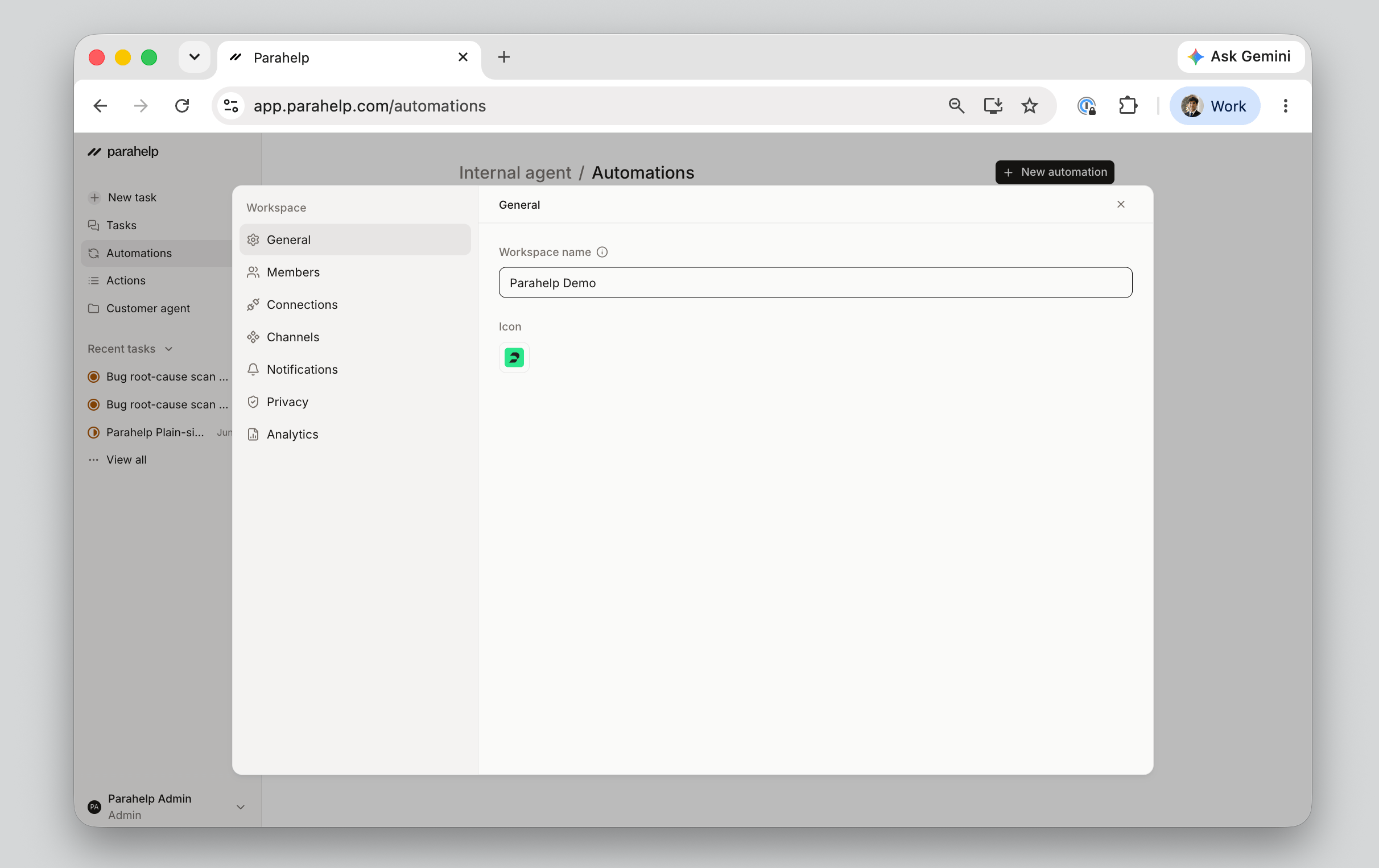
Members
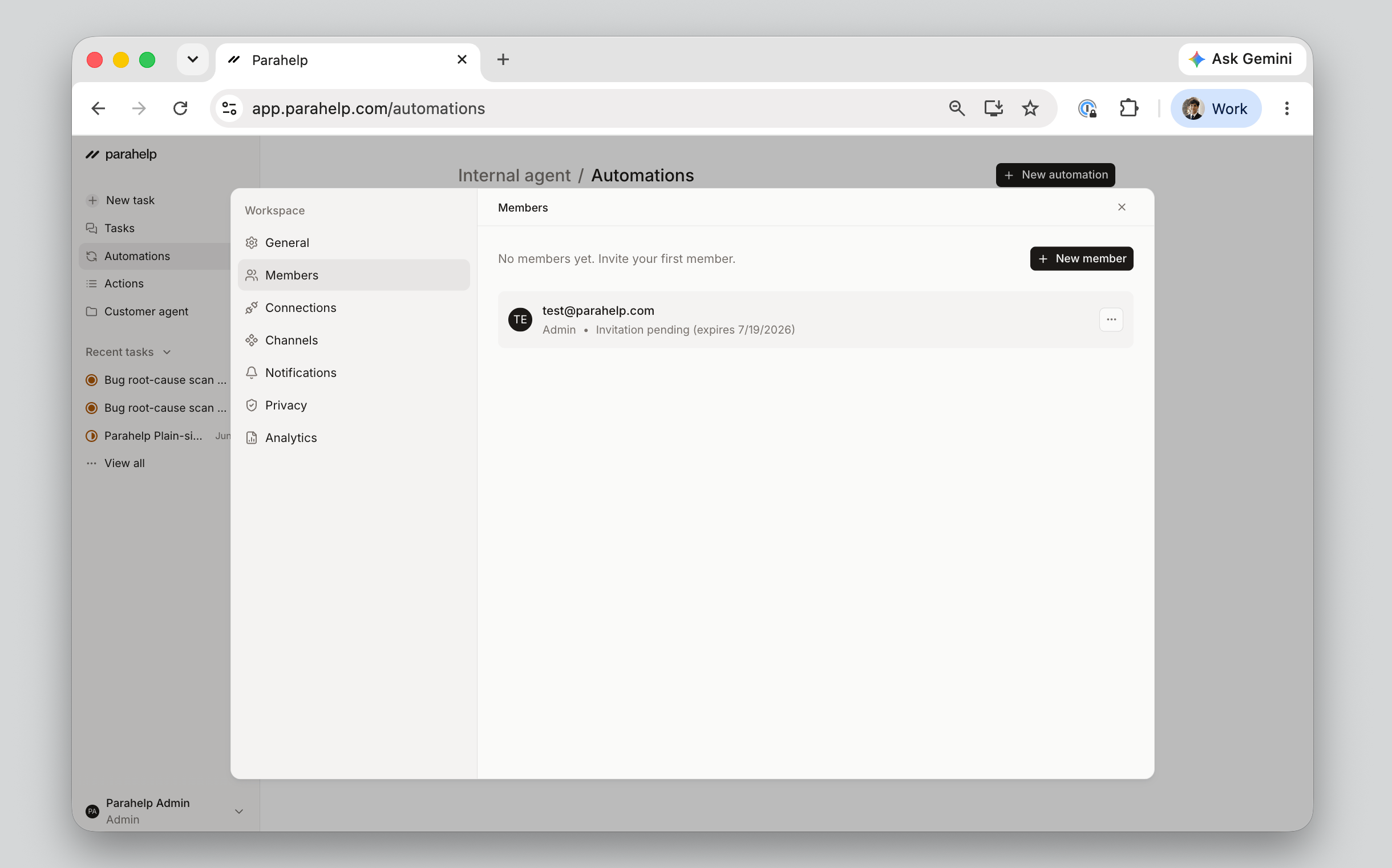
Two permission levels:- Admin: Everything an operator can do, plus approve and publish actions (Customer Agent configuration updates, customer follow-ups, new automations, writes to connected tools, and more). See Release.
- Operator: Can start Internal Agent tasks, create and run automations, and view shared tasks and actions, but cannot approve. Operators draft and propose, and an admin reviews and publishes.
Teams
Group members into teams so todos and tasks can be assigned to the right group, like product knowledge gaps to one team and enterprise policy gaps to another. The Internal Agent can help you create and manage them.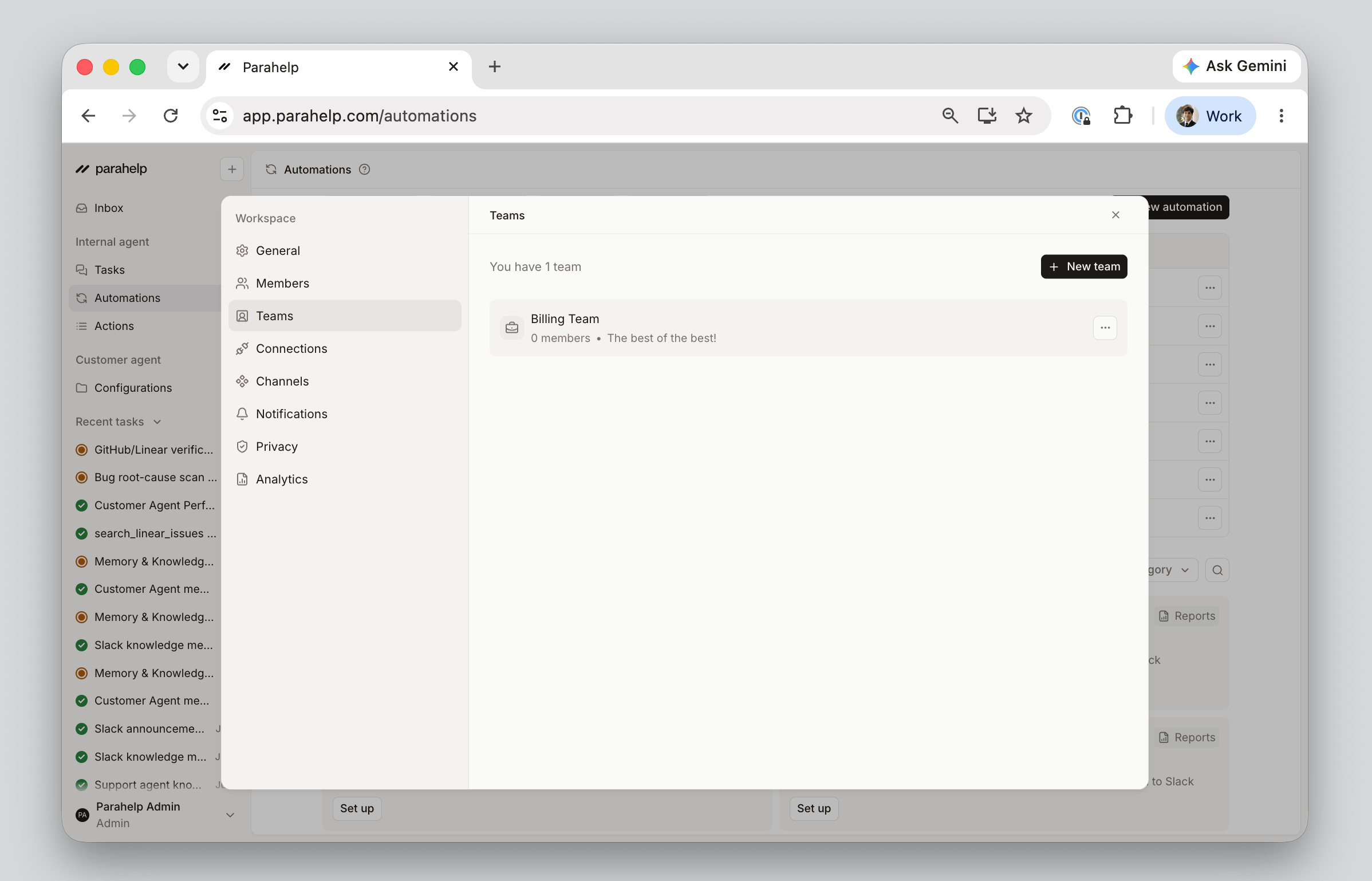
Connections
The tools your agents can act in: Linear, GitHub, Notion, Cursor, Slack, plus custom MCP and API connections. See Connections.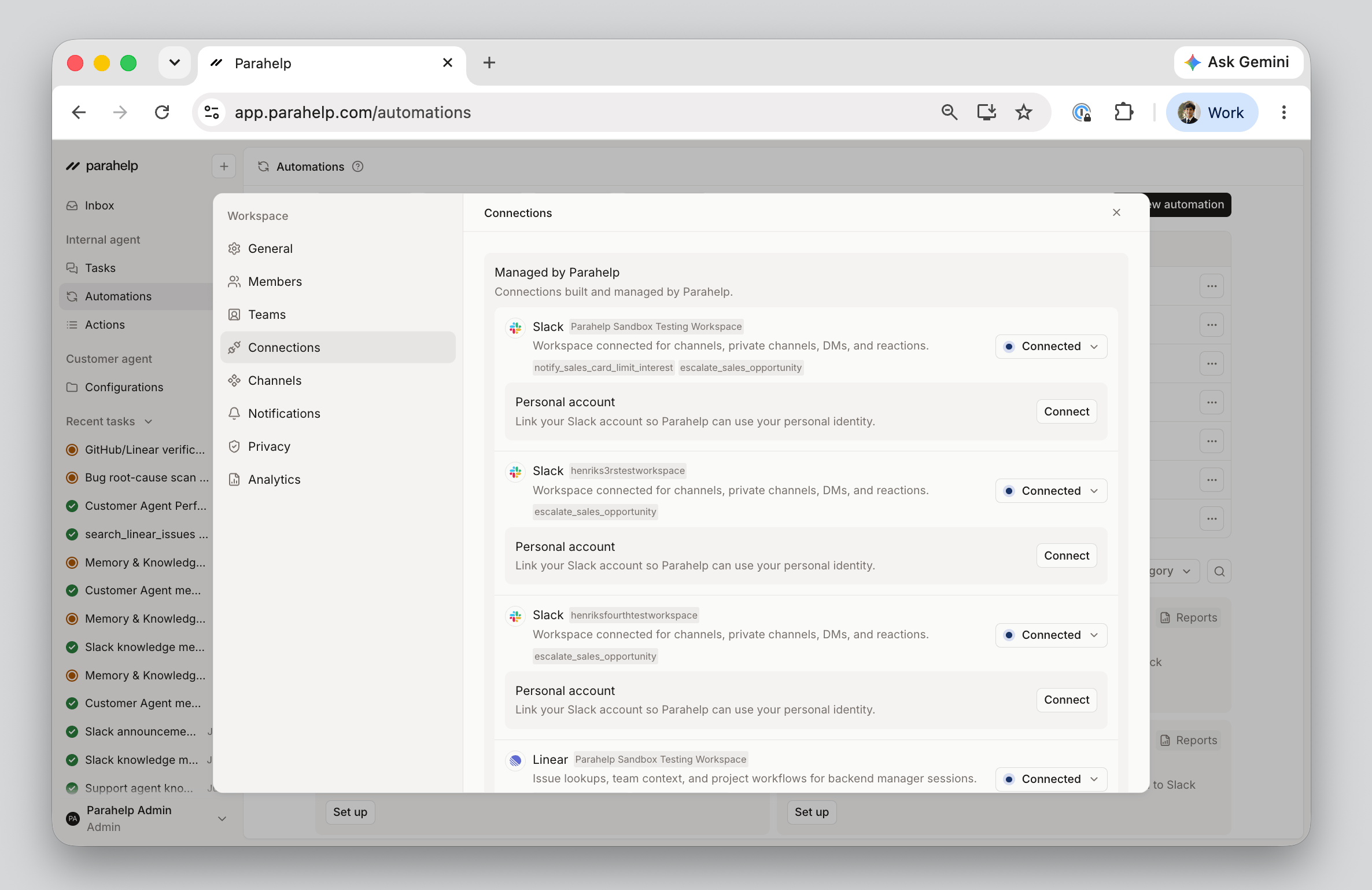
Channels
Where tickets reach your Customer Agent. Your ticketing system connects here (one per workspace). See Channels.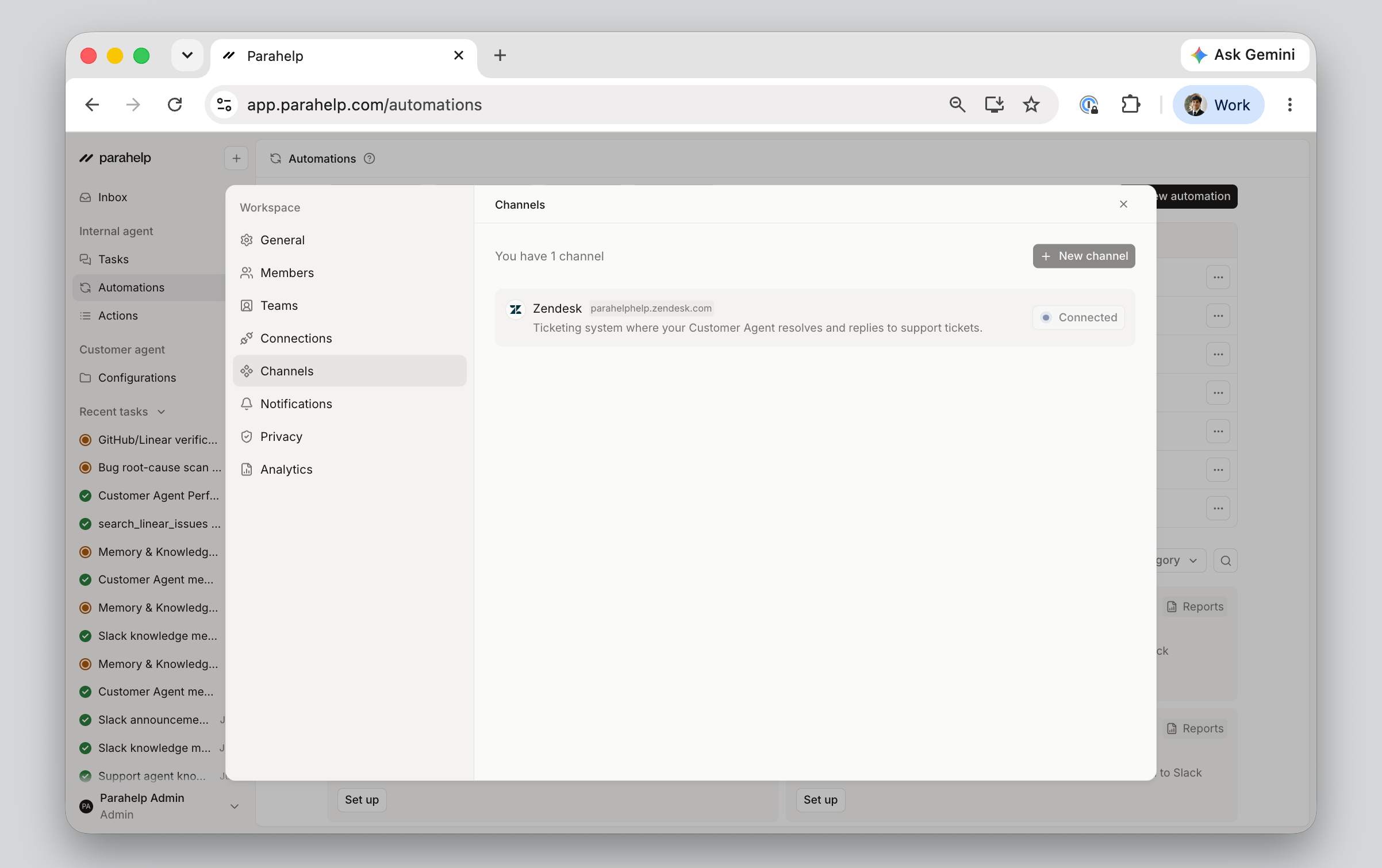
Notifications
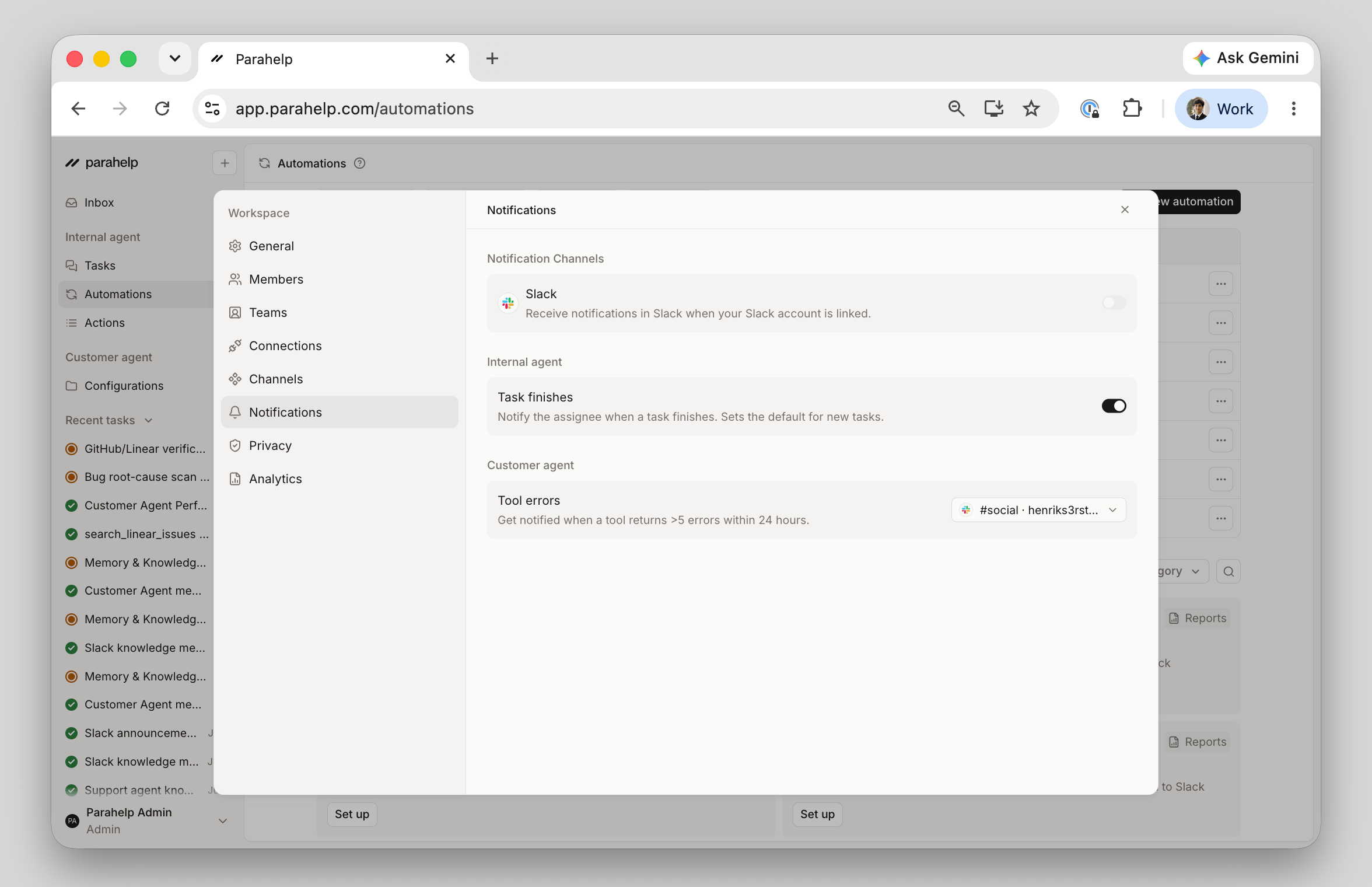
Choose where Parahelp posts notifications. Types include:- Task finishes: When the Internal Agent finishes a task, the assignee gets notified.
- Tool errors: When a Customer Agent tool fails on real tickets (for example, the Stripe lookup tool can’t reach Stripe), Parahelp posts to the selected channel so you can investigate.
Privacy
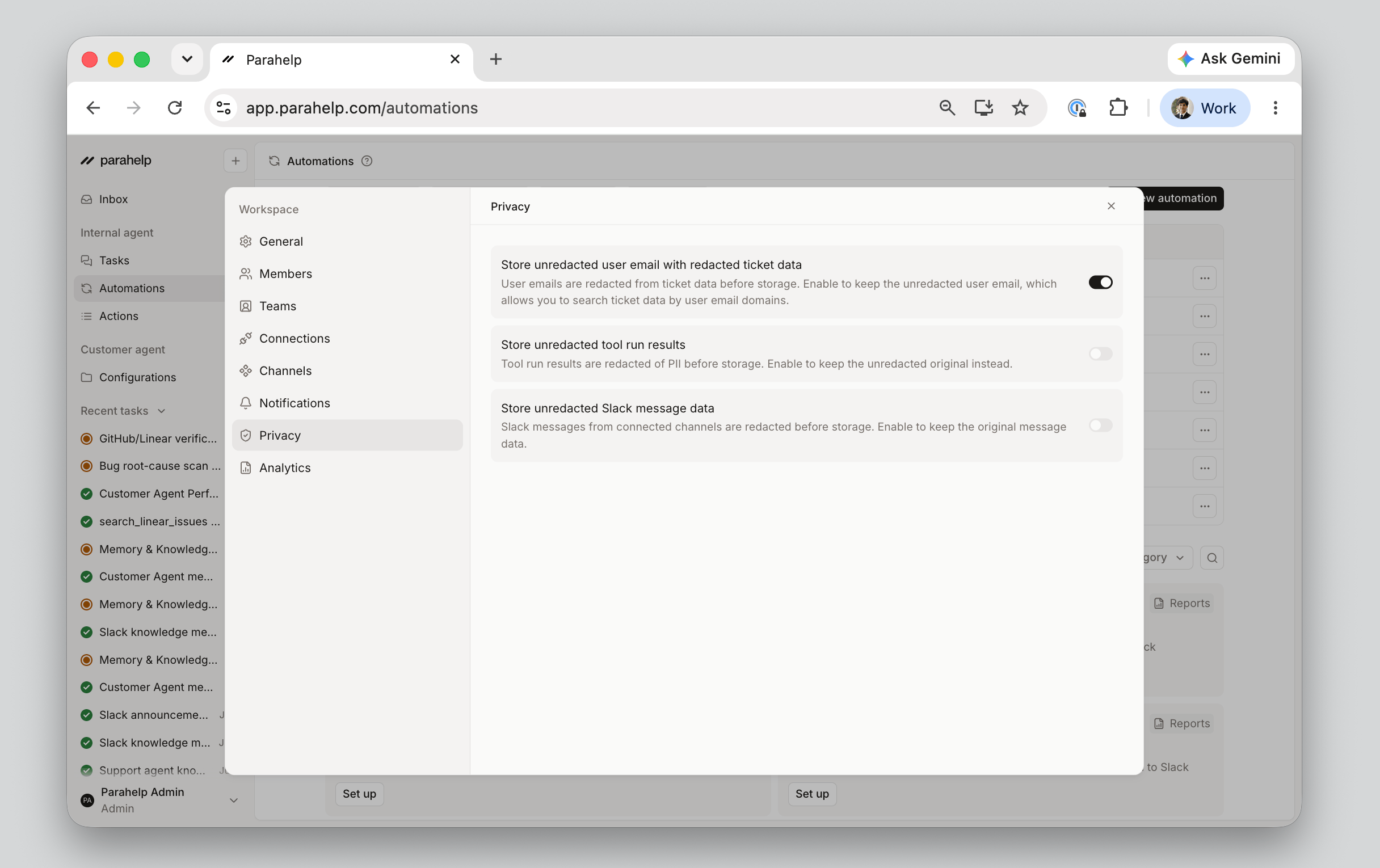
Parahelp stores the customer support data needed to provide and improve the service. This may include names, email addresses, contact details, and support ticket content. By default, Parahelp retains certain types of personal data, such as email addresses, to support better search, analysis, debugging, auditing, and investigation. Workspace admins can disable all personal data storage in the platform if they do not want Parahelp to retain this data:- Store unredacted user emails: Keep the unredacted user email alongside redacted ticket data. Lets the Internal Agent search tickets by customer email domain (such as “show me all open tickets from anyone at stripe.com”), debug specific tickets, and pull in Slack context for the right user.
- Store unredacted tool run results: Tool results are redacted of PII before storage. Keep the originals instead for more complete debugging and reporting.
- Store unredacted Slack message data: Slack messages from connected channels are redacted before storage. Keep the originals for fuller Slack context in searches and investigations.